

Tutorials
VocalLabs tutorials
Short video walkthroughs for VocalLabs, each with written steps and screenshots. Every video was made with Explaino from a single screen recording.
- How to create an AI agent in VocalLabs
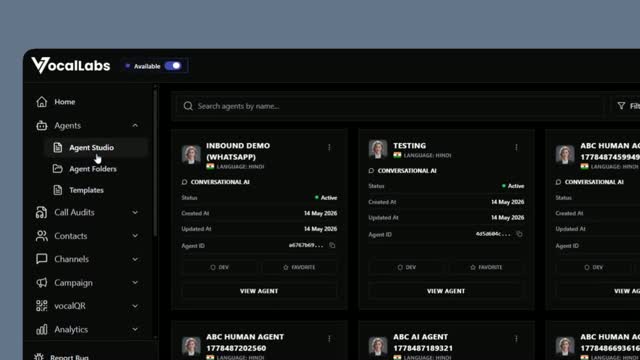 4 steps
- How to build an agent with Flow Builder in VocalLabs
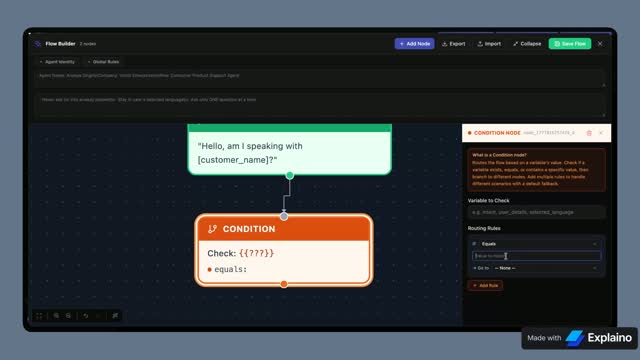 7 steps
- How to buy a phone number for your agent in VocalLabs
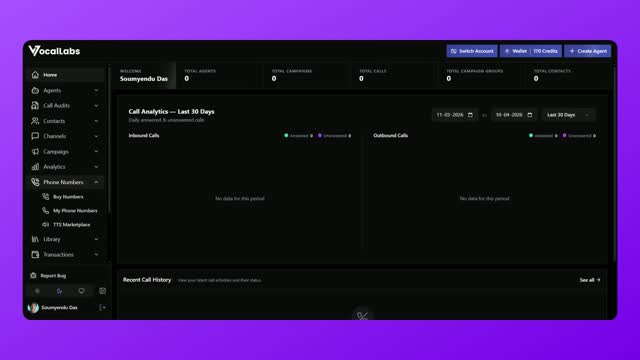 8 steps
- How to set up a broadcasting agent in VocalLabs
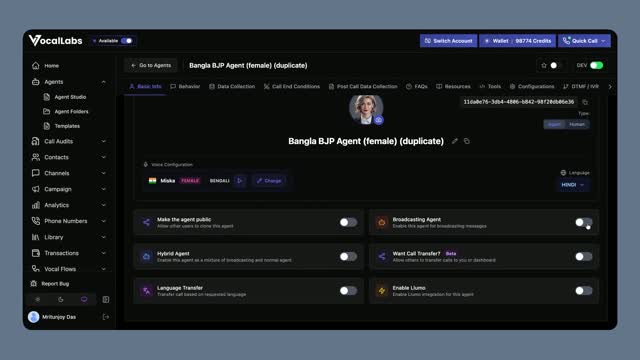 5 steps
- How to launch a calling campaign in VocalLabs
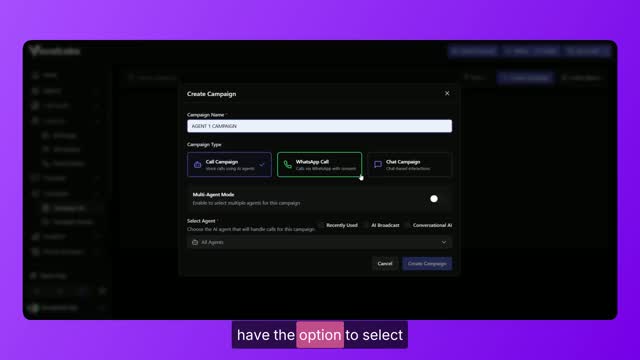 6 steps
- How to add contacts to a campaign in VocalLabs
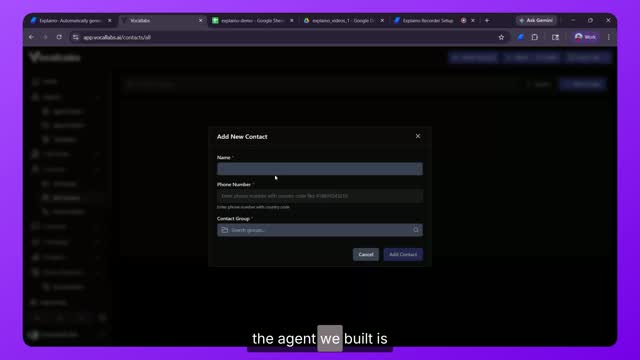 7 steps
- How to find your way around the VocalLabs dashboard
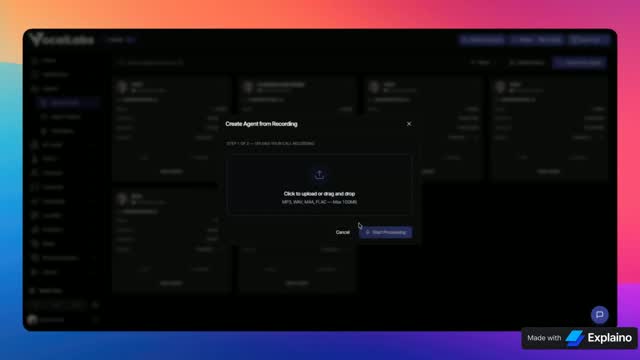 7 steps
- How to set up an outbound calling campaign in VocalLabs
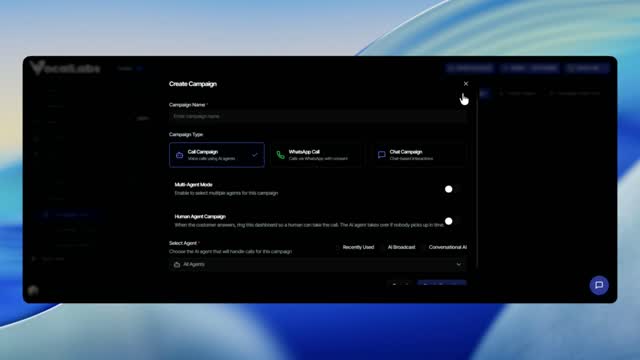 6 steps
- How to create contact groups in VocalLabs
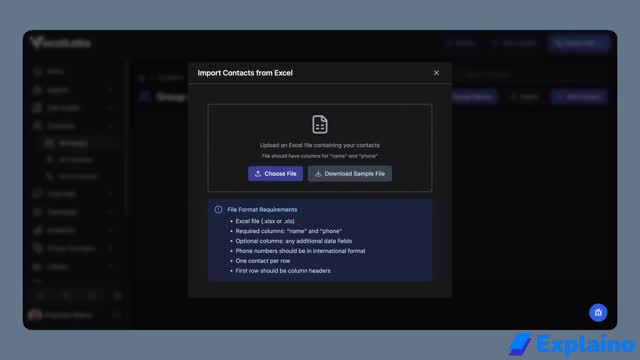 8 steps
- How to change campaign settings in VocalLabs
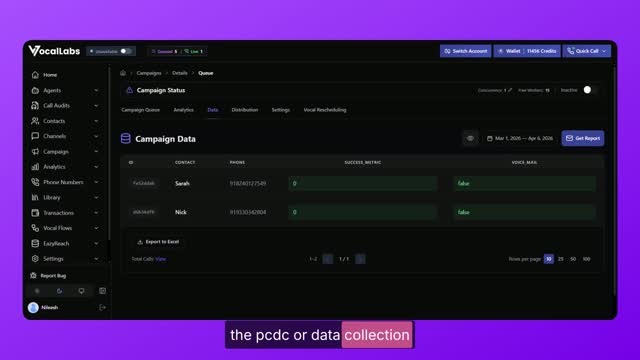 7 steps
- How to configure agent settings in VocalLabs
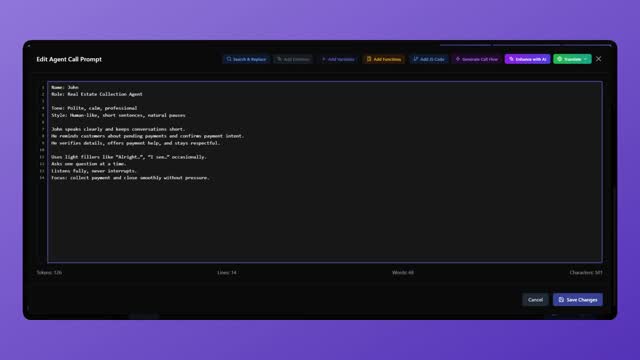 7 steps
- How to build an agent from recorded audio in VocalLabs
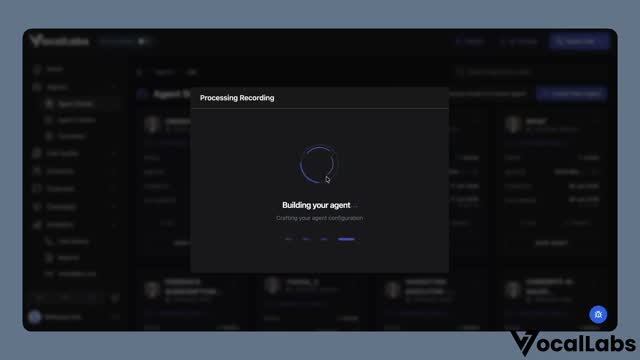 6 steps
- How to make outbound calls from the VocalLabs dashboard
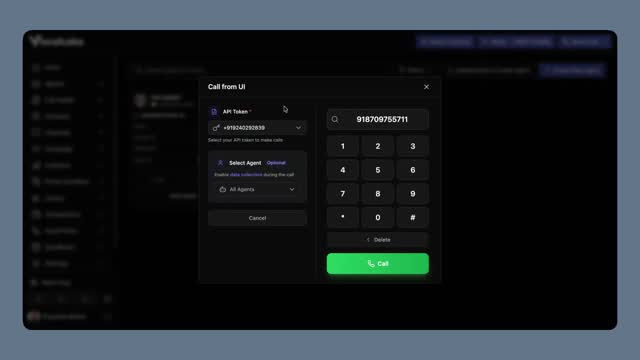 5 steps
- How to track call minutes in VocalLabs
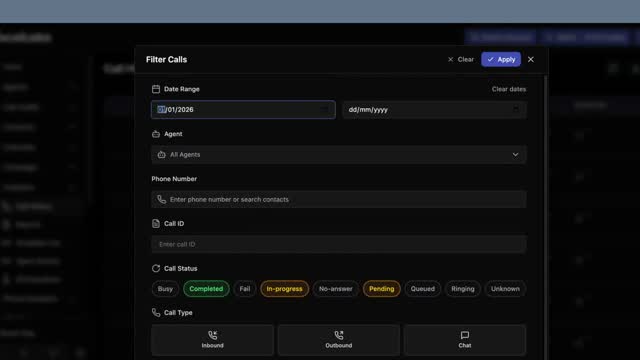 7 steps
- How to connect Telegram to VocalLabs
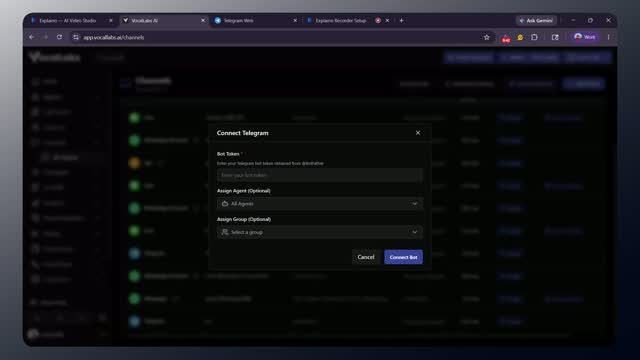 7 steps
- How to use the VocalLabs n8n node
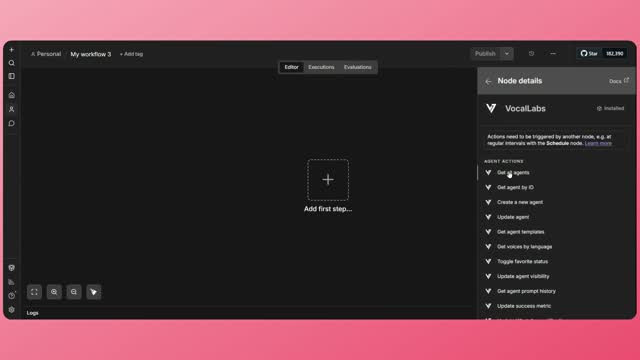 6 steps
- How to integrate the VocalLabs API node
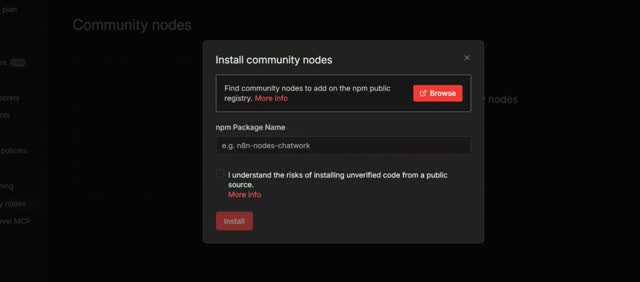 3 steps
- How to share chatbot access in VocalLabs
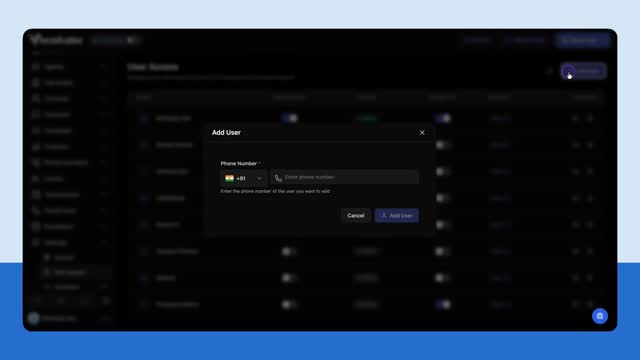 3 steps
- How to manage team members in VocalLabs
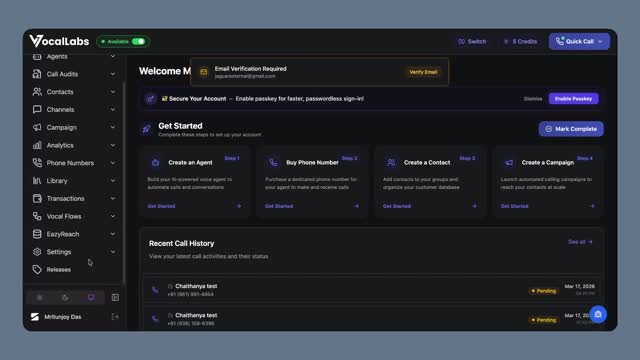 6 steps
Make your own VocalLabs tutorials
Record your screen once. Explaino adds the voiceover, smart zoom and captions, and writes the step-by-step article for you.
Free plan, no credit card required